# Overview
> Important
>
> See [UI legal notices](/docs/meeting-sdk/ui-notices/) for Zoom legal notices and how to display them in your app.
## Enable the custom meeting UI
To use your custom meeting UI, enable it before you start or join a meeting.
```swift
let context = MobileRTCSDKInitContext()
context.enableCustomizeMeetingUI = true
```
```objectivec
MobileRTCSDKInitContext *context = [[MobileRTCSDKInitContext alloc] init];
context.enableCustomizeMeetingUI = YES;
```
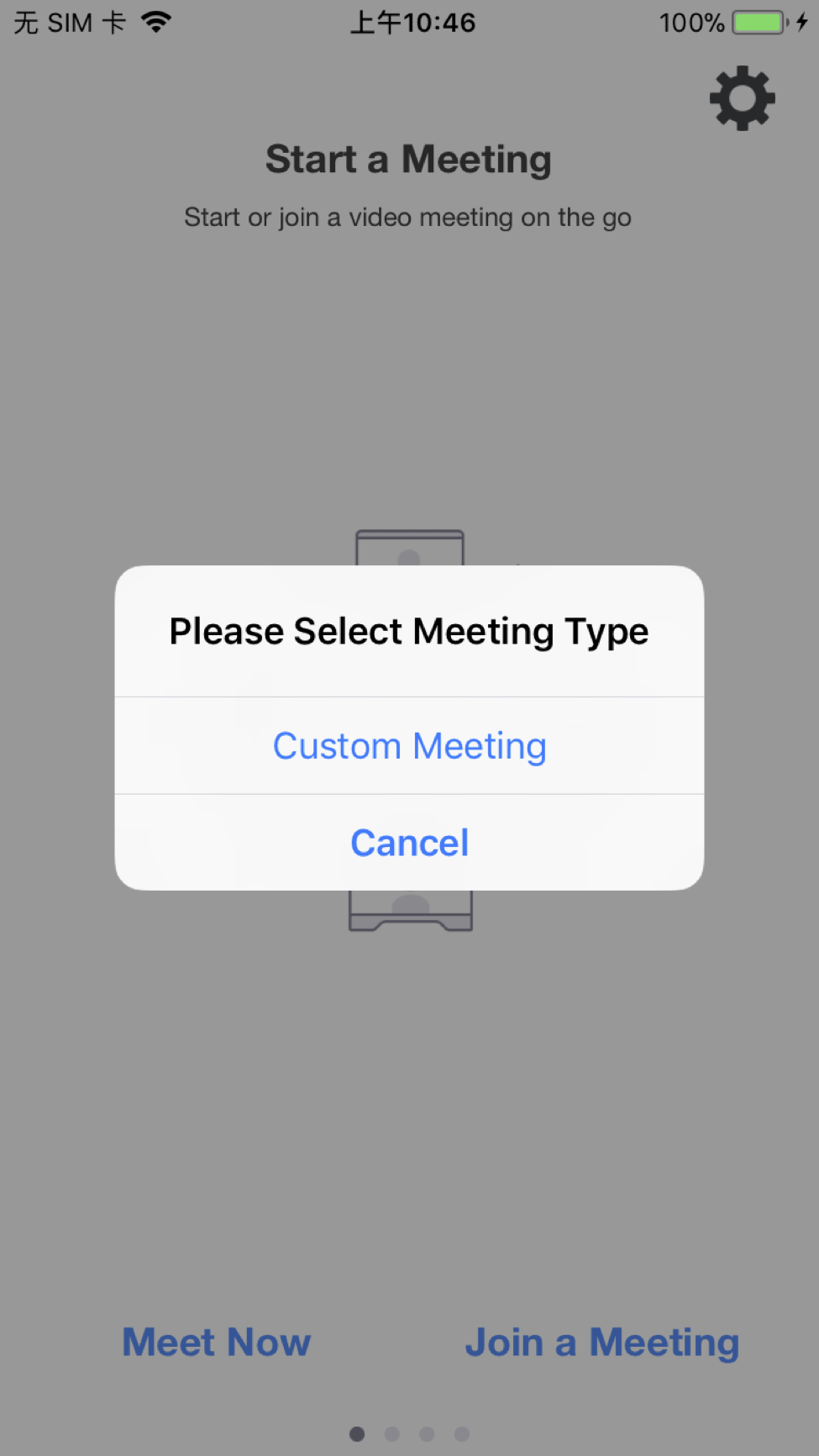
Once the custom meeting UI feature is enabled, then starting or joining
a meeting is the same.
## Create a custom meeting UI
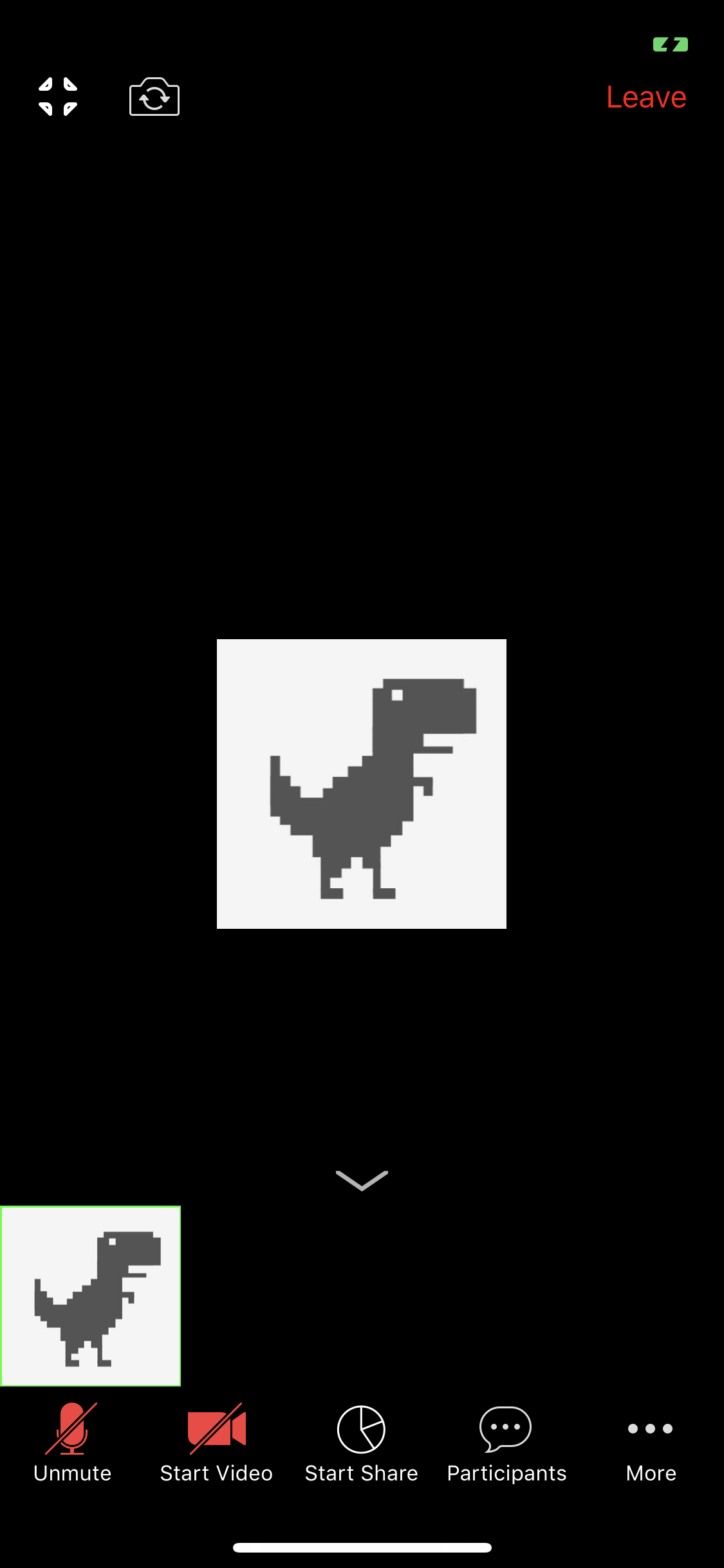
## Assign customized UI meeting delegate
To implement a custom meeting UI, first assign `MobileRTCCustomizedUIMeetingDelegate` to your
View Controller. Then, implement the two callback methods `onInitMeetingView` and `onDestroyMeetingView`
for navigating to your customize meeting view based on initialization and destroy status.
```swift
extension ViewController: MobileRTCCustomizedUIMeetingDelegate {
func onInitMeetingView() {
// onInitMeetingView, push to your customize view.
}
func onDestroyMeetingView() {
// onDestroyMeetingView, navigate to your previous view or push to another view.
}
}
guard
let service = MobileRTC.shared().getMeetingService(),
else {}
service.customizedUImeetingDelegate = self
```
**In your `.h` file**
```objectivec
@interface ViewController : UIViewController {
}
```
**In your `.m` file**
```objectivec
MobileRTCMeetingService *meetingService = [[MobileRTC sharedRTC] getMeetingService];
if (!meetingService) {
return;
}
meetingService.customizedUImeetingDelegate = self;
- (void)onInitMeetingView
{
// onInitMeetingView, push to your customize view.
}
- (void)onDestroyMeetingView
{
// onDestroyMeetingView, navigate to your previous view or push to another view.
}
```
---